

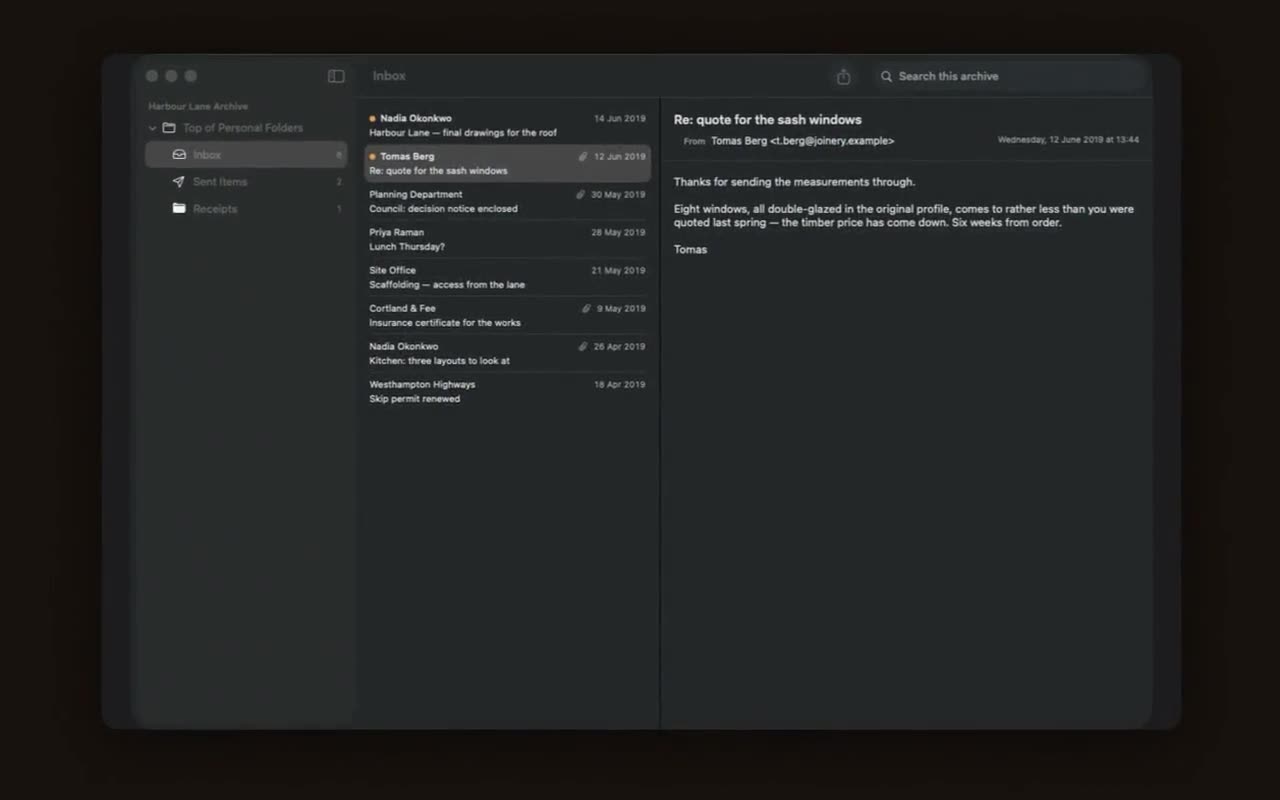
Four screens from the app, on Mac and on iPad.
An export from a job you left. Your Gmail, downloaded from Google Takeout. A backup from a computer you no longer own. An archive someone handed you on a drive because it was the only way to hand it over. It is full of things you might need, and nothing on your Mac or iPad opens it.
Upstairs opens it.
Browse it like mail
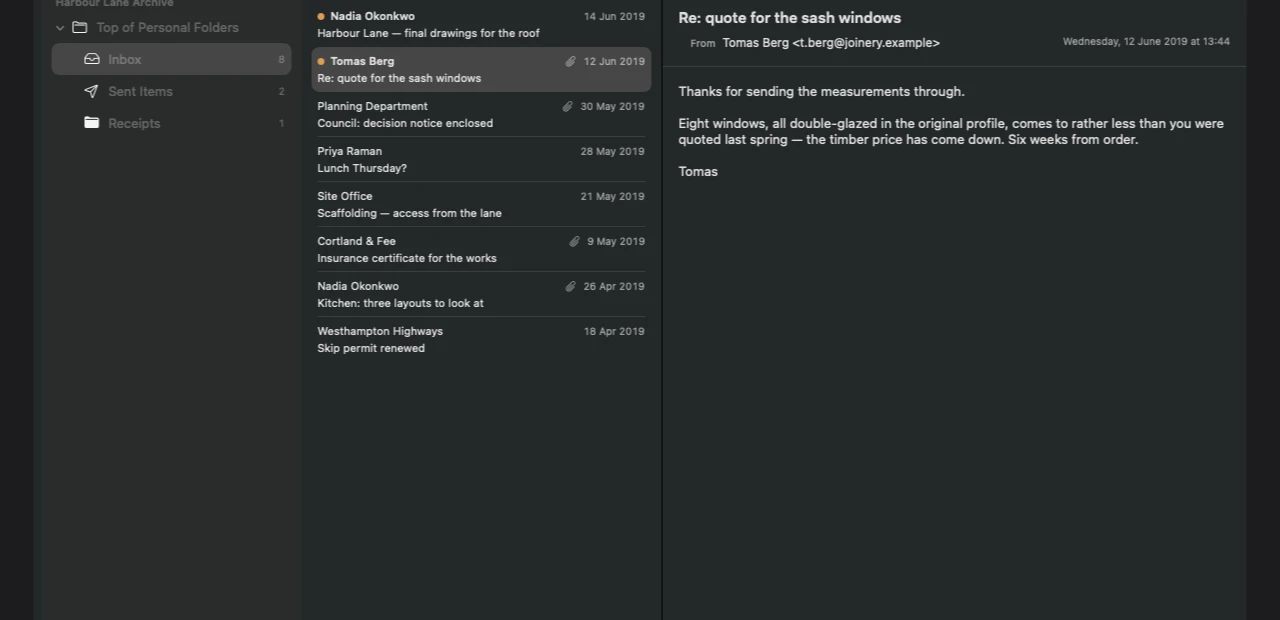
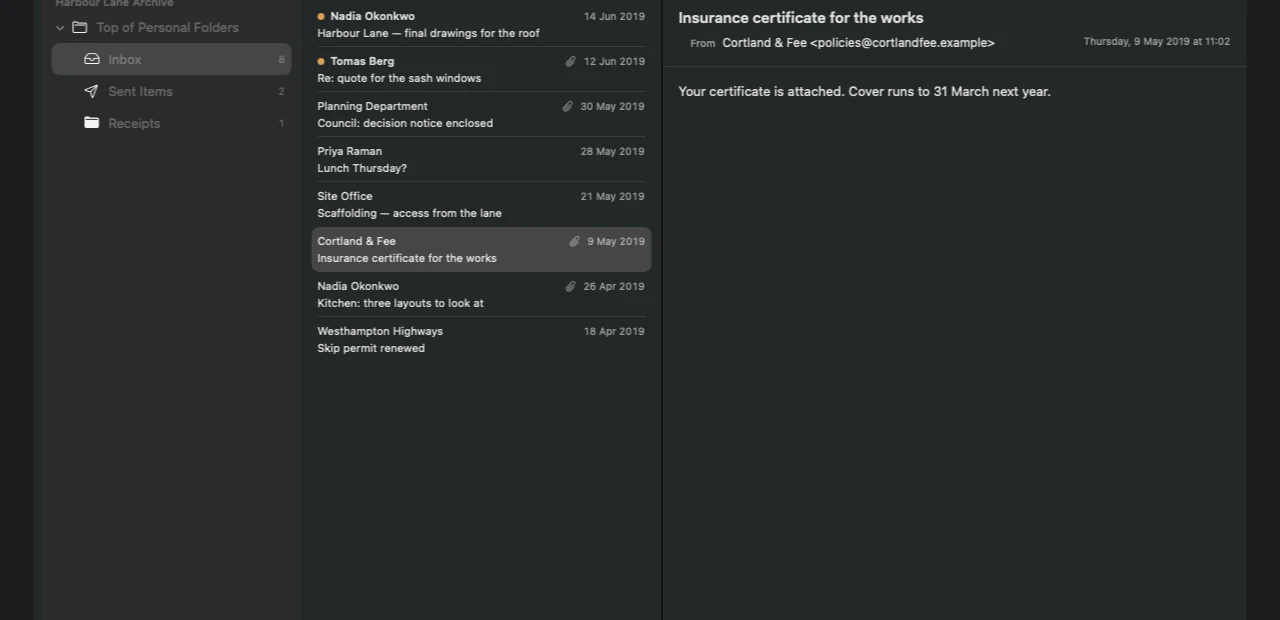
Your folder tree, exactly as it was. Message lists with senders, dates and attachment markers. A reading pane that renders the message the way it was written, formatting and all.
Ten gigabytes is not a problem. Upstairs memory maps the file and indexes in the background, so you can read while it works.
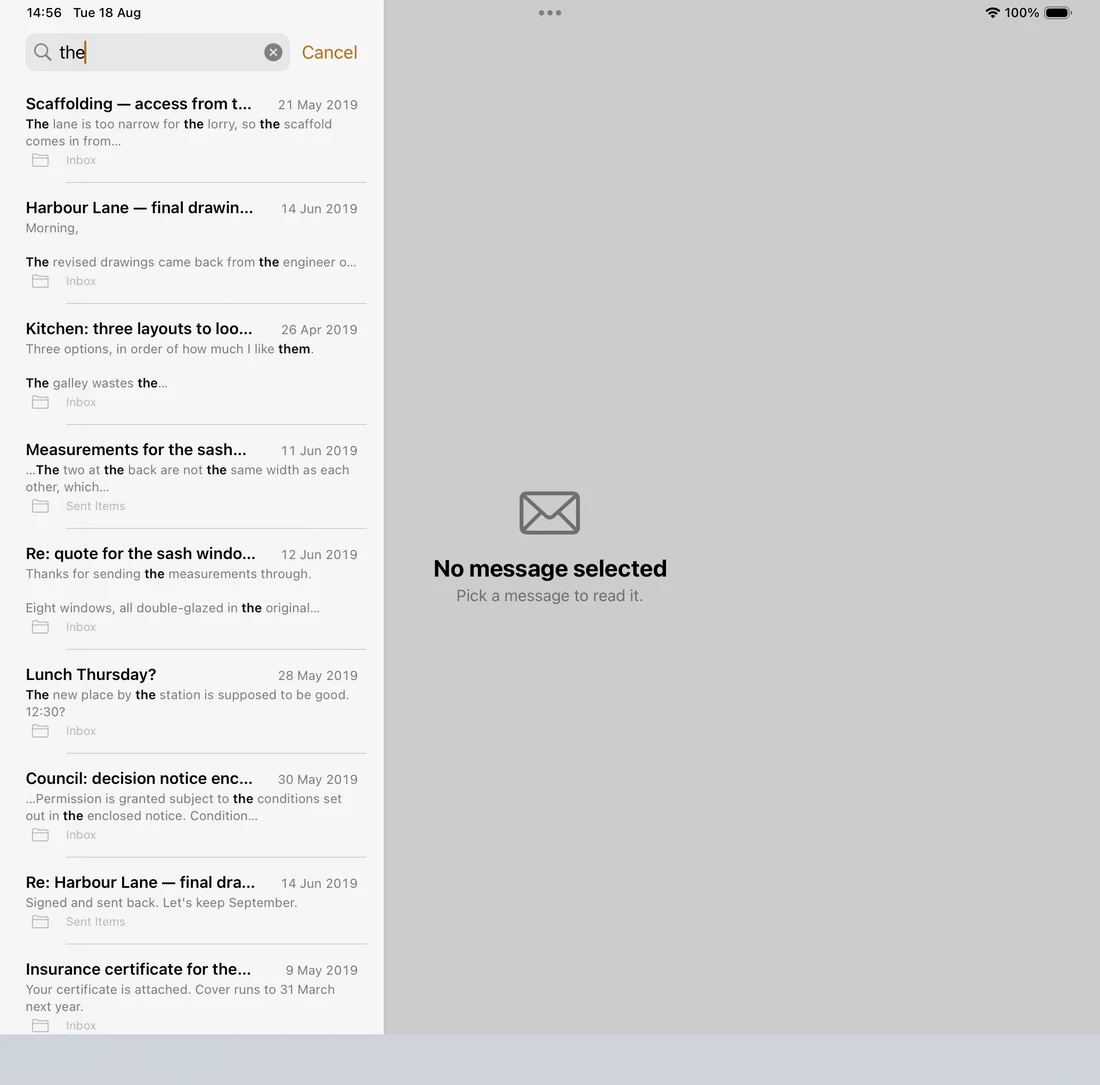
Find anything in it
Full text search across subjects, bodies, senders and recipients, with matches highlighted in context. The whole archive, not just the folder you have open. Accents are ignored, so cafe finds café.
Get things back out
Export any message as a .eml that opens in Mail or Thunderbird. Save attachments where you want them. Export a whole folder at once.
Nothing leaves your device. Literally.
Most apps that say this mean they promise not to upload your data. Upstairs means something stronger and checkable: it ships without network permission at all. The app has no ability to open a connection, so the promise is not a policy that could change. It is a property of the binary.
No account. No sign in. No server, so there is no database of you anywhere. No analytics, no crash reporting, no advertising identifiers. Remote images in messages stay blocked until you ask for them, so opening an old newsletter does not tell the sender you are still reading. And your archive is opened read only, so Upstairs cannot modify it even by accident.
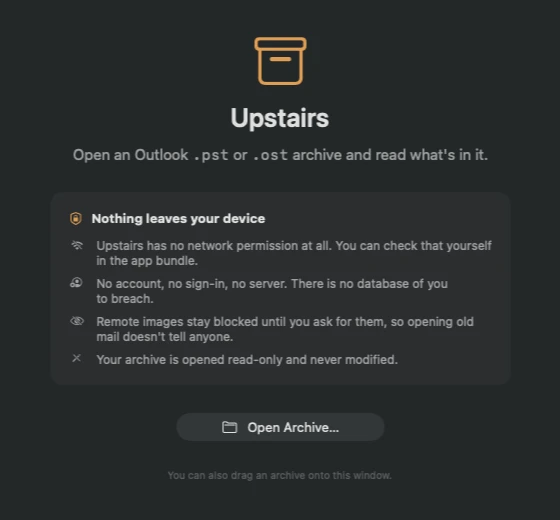
You do not have to take our word for it. On a Mac, in Terminal:
codesign -d --entitlements - /Applications/Upstairs.app
com.apple.security.network.client is absent from the output. That is the entitlement an app needs to reach the network, and Upstairs does not have it.
What is supported
Unicode .pst and .ost archives from Outlook 2003 onward, including compressed and encoded archives. And .mbox mailboxes, the format Google Takeout uses for Gmail exports and Apple Mail uses for its own, with Gmail's labels appearing as folders.
Two things are honestly not supported yet, and Upstairs says so clearly on screen rather than failing quietly:
- The 32-bit ANSI format from Outlook 97-2002.
- Outlook 2013 and later
.ostfiles that use 4 KB pages.
Free and Premium
Browsing and search are unlimited and free, permanently. The free tier opens five messages, enough to confirm the archive really is what you think it is. Premium removes that limit and unlocks export.
Premium is a one time purchase. There is no subscription. You buy it once, it covers your Mac, iPad and iPhone, and it stays yours on devices you buy later. Most people come here with one archive they need to get into, and charging a recurring fee for a job you do once would be wrong.
Help
Questions, a file that will not open, or a bug: the support page answers most of it and has the address that reaches a person. What the app does with your data is in the privacy policy.